Before
Flat placement
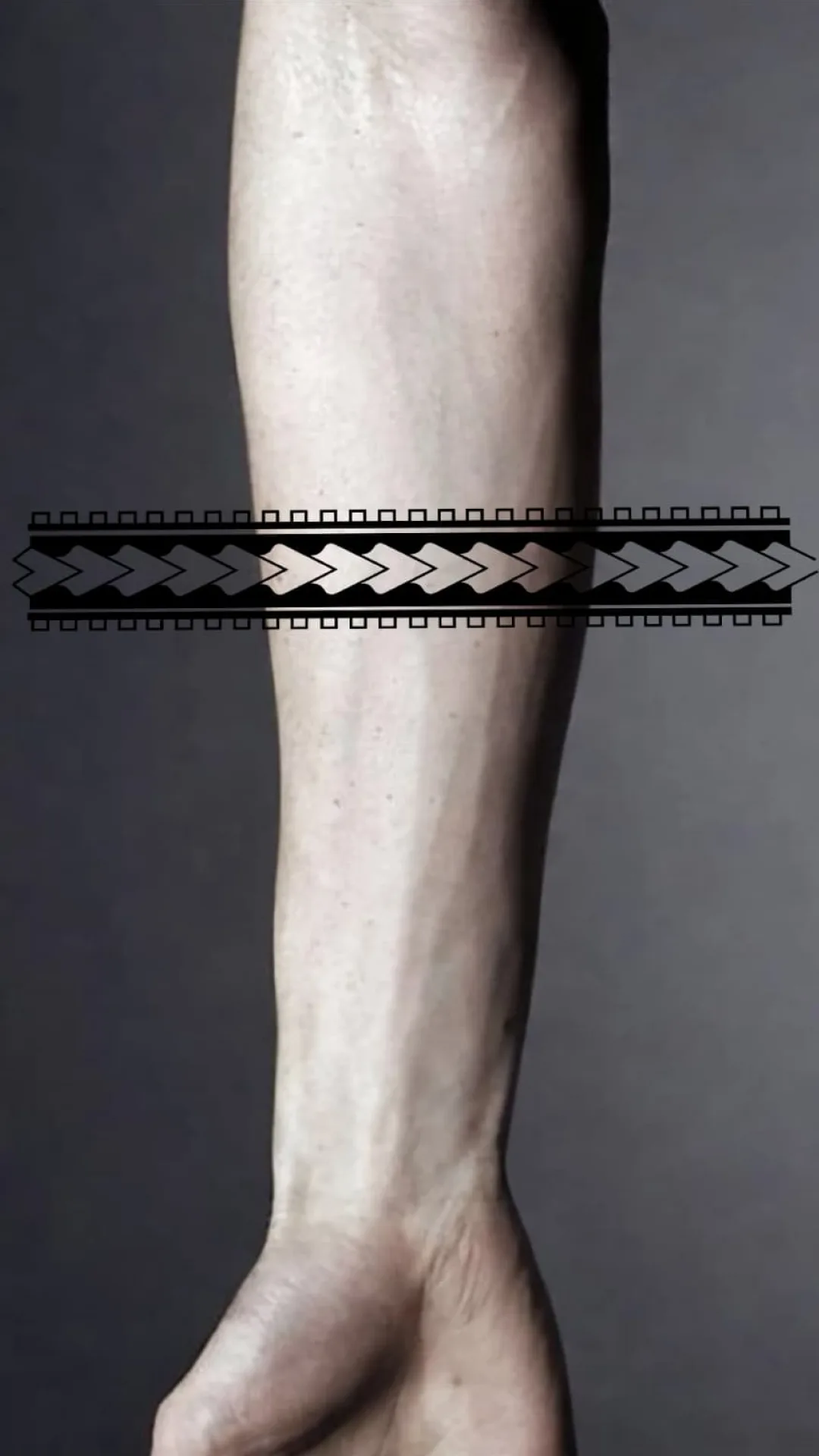

Fit Tattoo Stencil to Body
StencilStudio includes a body-fit placement workflow for artists who want to wrap the stencil around curved areas, adjust taper, set the body line, and check an optional body photo before the next step.
Before
Flat placement
After
Curved to the body
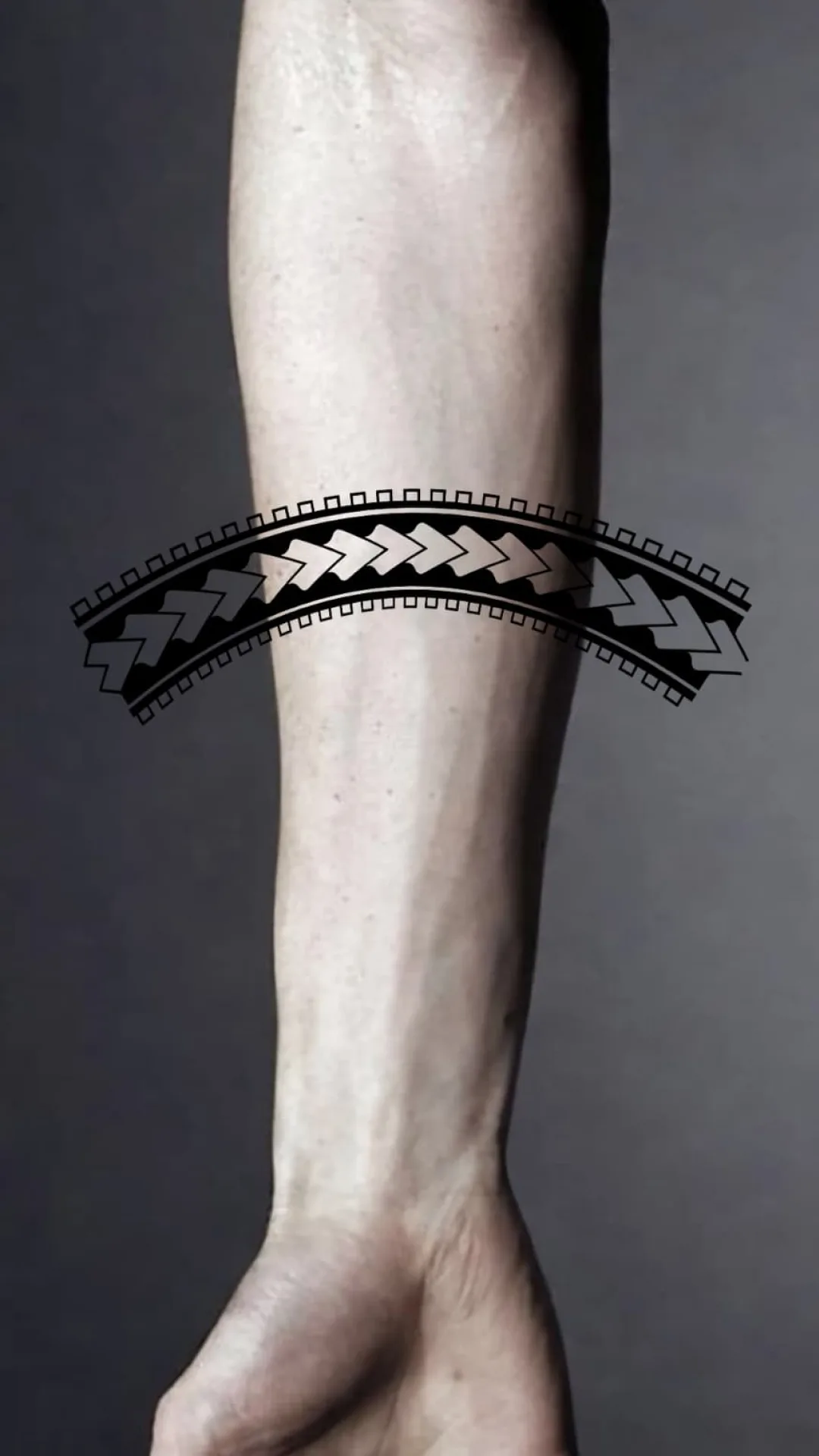
Placement Controls
Curve the stencil around arms, legs, and other rounded placements before the stencil is committed downstream.
Make one end wider and the other narrower so the stencil follows the shape of the body part more naturally.
Set the direction of the body part first, then let wrap and taper follow that line instead of guessing orientation.
Optionally add a body photo when you want the fit preview anchored to the actual area before export.
Why It Matters
Catch bad fit before the stencil reaches print or transfer.
Check curved placement faster on arms, legs, and similar body areas.
Export a placement-ready result instead of a flat version that still needs adjustment.
Keep the placement conversation clearer for both artist and client.
Previous Step
The best sequence is simple: generate the stencil from a photo first, then use the placement tools to make the body-fit version you actually want to export.
FAQ
Fit to Body helps artists shape a stencil around curved body areas before export. The live placement workflow includes wrap, taper, and body-line controls.
Yes. The placement workflow supports an optional body photo so you can check the stencil against the actual area before export.
Fit to Body exports can use transparent, white, or body-photo backgrounds, and the app supports both PNG and PDF output.
It helps catch spacing, taper, and placement problems while edits are still cheap, instead of discovering them only after the client is in the chair.